Microsoft Office – Master Course

About Course
Microsoft Office Package – Basic to Advanced Level
Master the world’s most popular office productivity tools with our Microsoft Office Package Course. This comprehensive program is designed to take you from beginner to advanced level, giving you practical, job-ready skills required in today’s digital workplace.
Whether you are a student, job seeker, office worker, or business owner, this course will help you improve productivity, efficiency, and professional confidence.
💻 What You Will Learn
🔹 Microsoft Word
-
Document creation and formatting
-
Professional letters, reports, and CVs
-
Tables, images, references, and templates
-
Advanced formatting, mail merge, and document protection
🔹 Microsoft Excel
-
Spreadsheets from basic to advanced
-
Formulas and functions
-
Charts and data visualisation
-
Data analysis, sorting, filtering, Pivot Tables
🔹 Microsoft PowerPoint
-
Creating professional presentations
-
Slide design and animations
-
Transitions and multimedia integration
-
Business and academic presentation techniques
🔹 Microsoft Access
-
Database creation and management
-
Tables, queries, forms, and reports
-
Data relationships and basic database automation
🔹 Microsoft Outlook
-
Professional email management
-
Calendar and task management
-
Meeting scheduling and productivity tips
Upgrade your digital skills with our Microsoft Office Master Course – Basic to Advanced Level.
Course Fee – 3000/=
Bank Deposit / Online Transaction
- Bank : Commercial Bank
- Branch : Horana
- Account Name : Skill Plus
- Account Number : 8026771089
Deposit the amount and please send the slip to below number.
WhatsApp – 070 432 4026
What Will You Learn?
- Microsoft Word
- Microsoft Excel
- Microsoft Powerpoint
- Microsoft Access
- Microsoft Outlook
Course Content
Free Chapters (Sample Lessons)
පාඨමාලාව මිලදී ගැනීමට පෙර ඔබට මෙම වීඩියෝ පාඩම් නොමිලේ නැරඹිය හැකිය. මෙහි ඇත්තේ පාඨමාලාවේ අන්තර්ගත වීඩියෝ පාඩම් වලින් තෝරාගත් පාඩම් කිහිපයකි. ඔබ පාඨමාලාව මිලදී ගැනීමට බලාපොරොත්තු වන්නේනම් නොමිලේ ලබා දී ඇති පාඩම් නරඹා පාඨමාලාව පිළිබඳව අවබෝධයක් ලබාගන්න. (ඔබ දැනටමත් පාඨමාලාව මිලදී ගත් අයෙක්නම් පහතින් ඇති "Microsoft Word" Chapter එකේ සිට පාඨමාලාව ආරම්භ කරන්න)
Microsoft Word
-
Download & install softwares
08:56 -
MS Word interface
13:30 -
File saving types
10:50 -
Basic texting
15:49 -
Shortcut keys
01:09 -
Text formatting
10:24 -
Paragraph formatting
04:48 -
Indents & tabs
07:27 -
MS Word tabs
03:26 -
Find & replace
03:19 -
Bullets & numbering
09:37 -
Page layouts
14:55 -
Header & footer
07:09 -
Page numbering
06:22 -
Pictures & text wrapping
06:00 -
Picture formatting
10:44 -
Shapes
07:04 -
Smart art graphics
10:06 -
Text box
03:52 -
Tables
13:20 -
Charts
10:42 -
Hyperlink
04:16 -
Align, arrange & group
07:24 -
Column break
02:06 -
Styles for documents
08:32 -
Links within the same document
03:34 -
Auto update date & time
02:37 -
Spelling checker
02:01 -
Advanced auto correct options
03:16 -
Mail merge
11:14 -
Convert text to table
03:56
Microsoft Excel
-
MS Excel interface
10:03 -
Basics of cell
09:33 -
Multiple worksheets
06:51 -
Page layout
13:53 -
Header & footer
04:23 -
Page break preview
09:43 -
Modifying rows, columns & cells
15:33 -
Cell formatting
11:27 -
Number formatting
15:25 -
Format painter
03:01 -
Current date & time
01:03 -
Find & replace
01:53 -
Transpose
01:21 -
Data sorting
06:00 -
Filtering data
05:04 -
Remove duplicate records
02:53 -
Text to columns
03:09 -
Flash fill
03:35 -
Data validation
11:07 -
Auto subtotal
07:50 -
Intro to formulas
07:23 -
Complex formulas
10:04 -
Relative & absolute reference
07:20 -
Introduction to logical functions
14:56 -
IF Advanced part
07:48 -
COUNTIF & SOMEIF
05:32 -
Creating & formatting table shortcut
04:25 -
Pivot table – part 01
09:08 -
Pivot table – part 02
08:47 -
Type charts
09:54 -
Chart formatting
07:17 -
Chart element
10:38 -
Sparkline charts
08:07 -
New chart features
10:23 -
Freezing panes
05:47 -
Split screen
02:57 -
Protect a worksheet using password
04:21 -
Protect a excel file using password
04:52
Microsoft Powerpoint
-
Introduction to powerpoint – part 01
11:26 -
Introduction to powerpoint – part 02
10:52 -
Slide layout – part 01
12:06 -
Slide layout – part 02
06:56 -
Smart art
01:50 -
Insert video into slide
07:34 -
Insert Audio into slide
03:16 -
Picture format
13:42 -
Transition
06:51 -
Animation
07:51 -
Inserting comments
02:21 -
Rehearse timing
03:28 -
Custom slideshow
04:42 -
Use custom themes
02:14 -
Running slideshow
03:51 -
Handouts
05:11 -
Handouts (copy)
05:11 -
Saving PDF or image format
02:55
Microsoft Access
-
Key database concepts
13:43 -
Introduction to access
09:43 -
Create tables – part 01
13:46 -
Create tables – part 02
08:45 -
Relationships
08:24 -
Subnet masks
09:24 -
Default values
03:37 -
Validation rules
07:10 -
Lookup fileds
04:17 -
Additional filed properties
08:19 -
About queries
16:12 -
Sort & filtering – part 01
10:05 -
Sort & filtering – part 02
07:45 -
Advanced filters – part 01
13:00 -
Advanced filters – part 02
10:40 -
Update queries
08:09 -
Make table queries
04:45 -
Unmatched records
06:33 -
Delete query
05:51 -
Append & union query
10:35 -
Crosstab query
05:01 -
Understanding forms – part 01
16:13 -
Understanding forms – part 02
06:05 -
Understanding forms – part 03
01:44 -
Creating forms in design view – part 01
09:18 -
Creating forms in design view – part 02
09:30 -
Form controls – part 01
07:10 -
Form controls – part 02
08:12 -
Insert search box
03:01 -
Insert action buttons
03:49 -
Assign tab order
04:31 -
Multiple item form
10:48 -
Navigating form & menu item catalougue
09:36 -
Simple report
05:52 -
Report wizard
06:44 -
Tune up your report
11:43 -
Group & sort in report
01:10 -
Calculations in report
05:11 -
Conditional formatting in report
07:47 -
Mailing lables
06:47 -
Print preview
03:51 -
About macros
08:15 -
Embedded macros
07:38 -
How to export data to excel
04:45 -
Compact & repair database
01:54 -
Add a password in to database
03:00 -
Documentation database
05:10 -
Object dependencies
03:15 -
Arrange objects in custom groups
03:29
Microsoft Outlook
-
Create a MS account
05:57 -
Add an email account to outlook
06:01 -
Change outlook theme
02:03 -
Add a signature
06:00 -
Add a signature (copy)
06:00 -
Use of outlook
03:29 -
Send emails & interface
09:43 -
Schedule & send emails
03:18 -
Vheck delivery & read status
02:26 -
Create rules
07:51 -
Calendar – part 01
10:02 -
Calendar – part 02
08:11
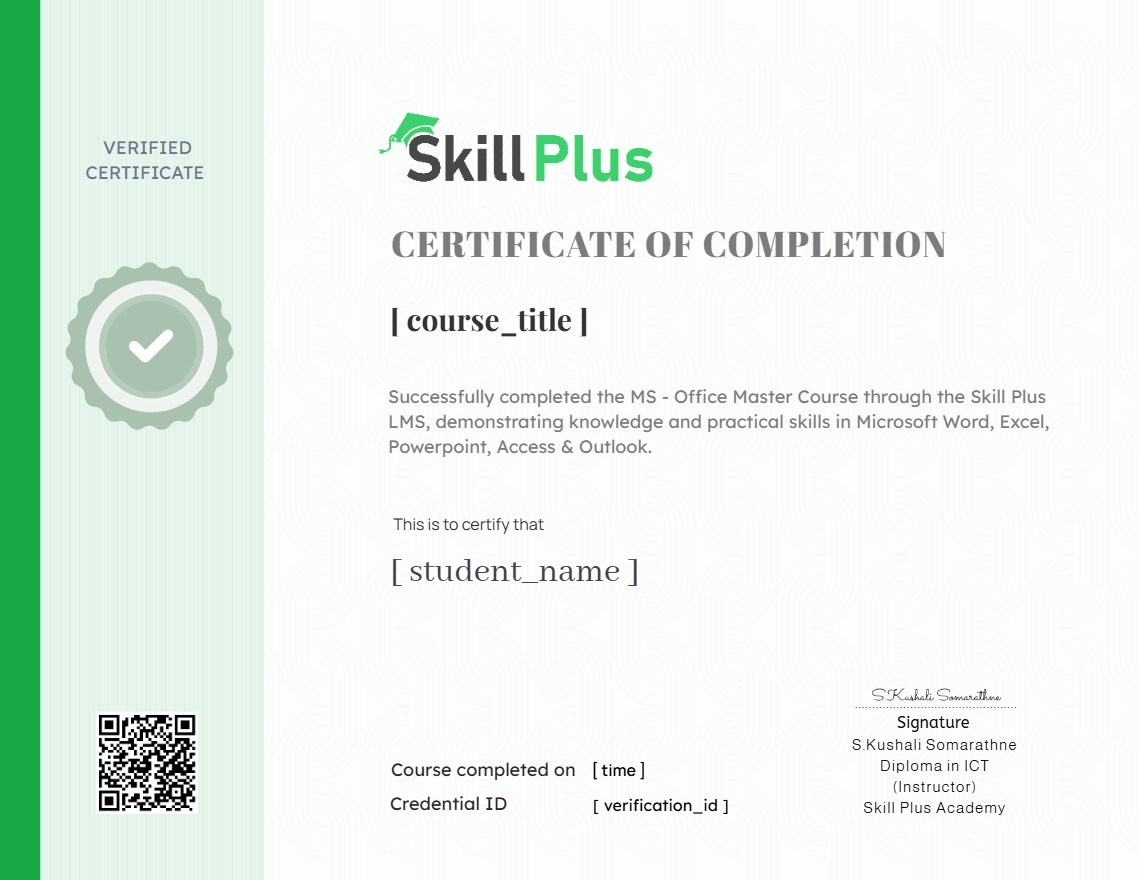
Earn a certificate
Add this certificate to your resume to demonstrate your skills & increase your chances of getting noticed.
Student Ratings & Reviews

Quick Links

© 2025 Skill Plus All Rights Reserved.
Skill Plus
Customer Care
Skill Plus වෙත ඔබව සාදරයෙන් පිළිගනිමු ! පාඨමාලාවන් සම්බන්ධව ඔබට ඇති ඕනෑම ගැටළුවක් අප වෙත යොමු කරන්න.
Powered by Elementor